AdSense Space
(Left)
(Left)
AdSense Space
(Right)
(Right)
Everything it does
The full list, grouped by where you find it in the app. For step-by-step help, see the user guide.
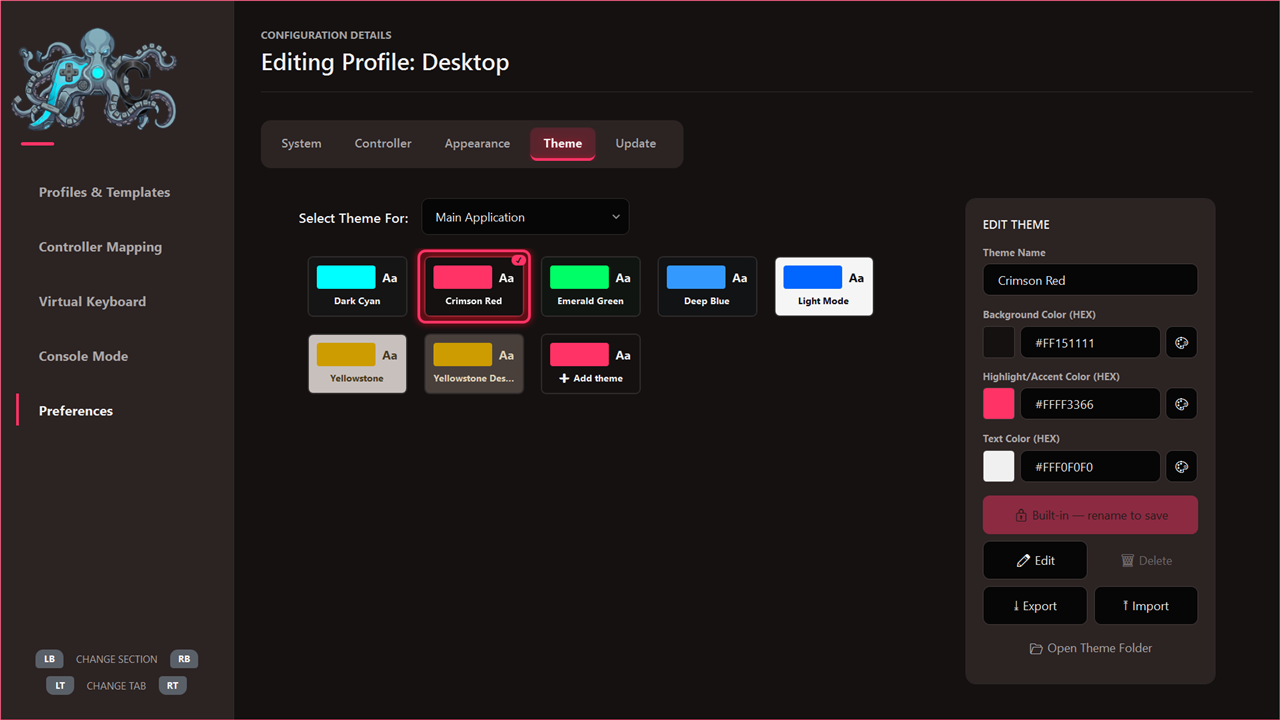
Controller mapping
Make any program work with a gamepad, even one that never supported one.
- Profiles per app
- Each game or program gets its own profile, switched in automatically when its window is in front. Everything else uses the Desktop profile.
- Four ways to press
- Every button has a tap, double tap, hold and release slot, each with its own action.
- Any action
- Keyboard keys and shortcuts, mouse clicks and movement, opening a program, file or folder, a radial menu, Windows actions such as Show Desktop or Task Manager, or switching layouts.
- Eight layouts
- Switch between eight complete sets of bindings with one button, held or toggled.
- Turbo and rumble
- Repeat a key while the button is held, and feel a vibration when an action fires.
- Sticks and D-Pad
- Either stick or the D-Pad can move the mouse, scroll or act as arrow keys, with adjustable sensitivity and acceleration.
- Combos
- Press several buttons together for an action of its own.
- Emergency Desktop Mode
- A button combination that forces the Desktop profile when a game has taken over the controller.
- Templates
- Export a profile, import one from someone else, or download one from Community Files.
Console Desktop
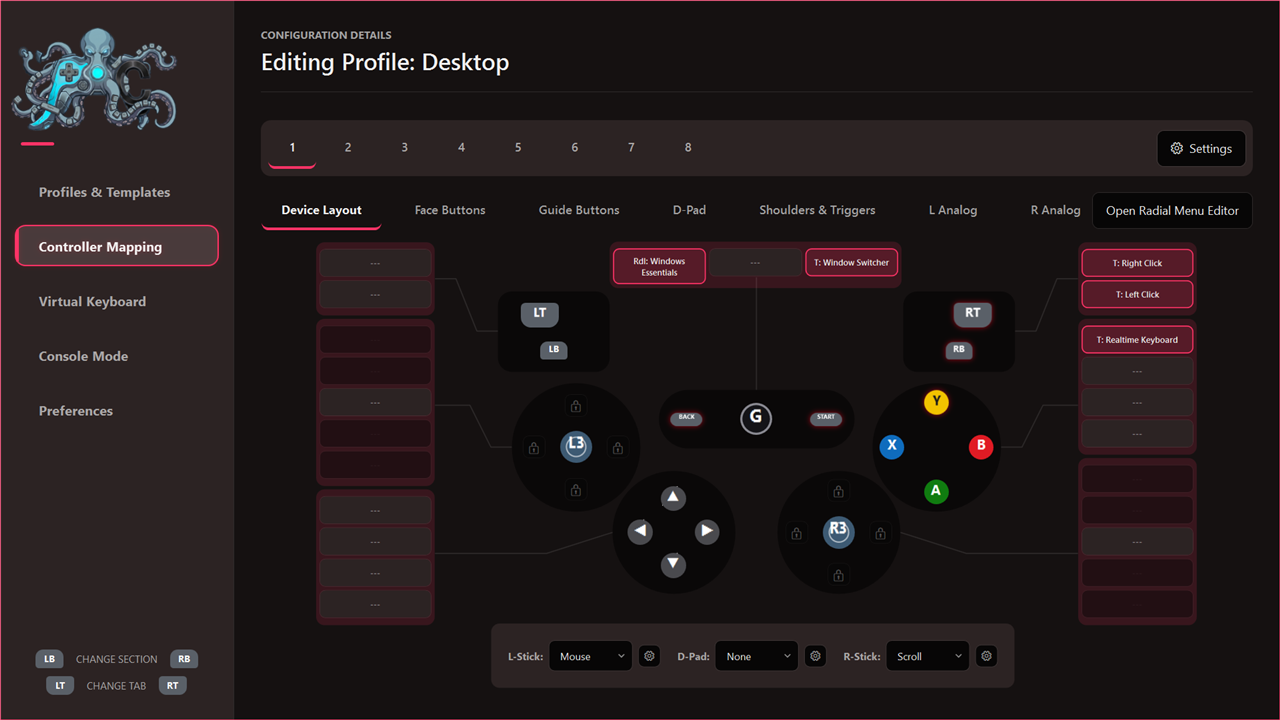
A full-screen desktop you drive with the controller, which steps aside when you use the mouse.
- Tabs
- Sort your games and apps into tabs, reorder them and hide what you do not need.
- Open apps
- Running programs sit in a strip of their own, so switching between them is one press away.
- Full names
- Stop on a shortcut whose name is cut off, and the whole name opens up in place.
- Auto Hide/Show
- Touch the mouse or keyboard and your normal desktop is back; pick up the controller and the Console Desktop returns.
- Auto File Explorer
- Optionally moves your Windows Explorer windows into the built-in File Explorer when you pick up the controller, and back when you put it down.
- Quick settings
- Wi-Fi, Bluetooth and sound (volume, mute and output device) from the top bar, plus your system tray icons and their menus.
- Power menu
- Shut down, sleep or hibernate, with a three-second hold to confirm and a five-second countdown you can cancel.
- Window Switcher and System
- Jump between open windows, and see running apps, installed programs, storage and display settings.
Virtual Keyboard
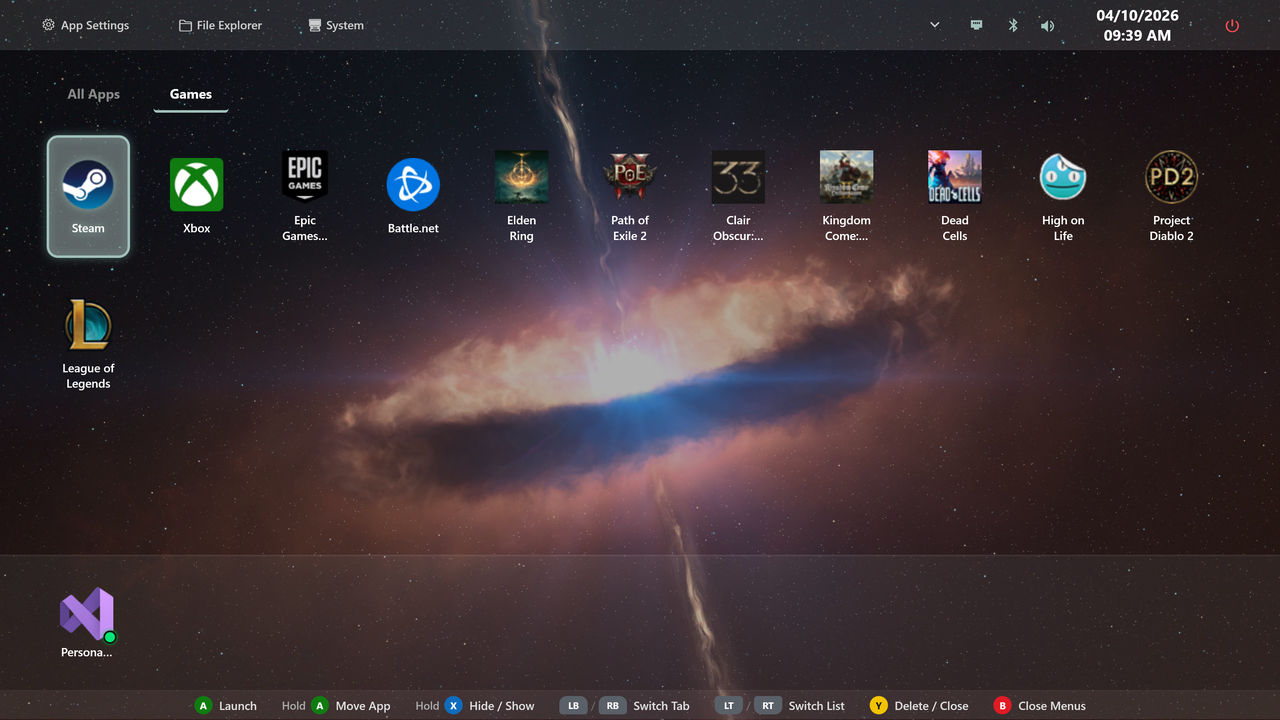
Type into games, chat and browsers without reaching for a keyboard.
- Realtime and Buffer
- Realtime types straight into the program in front. Buffer collects the text and sends it in one go when you close the keyboard, which suits games that pause or lose focus.
- Word suggestions
- Four suggestion buttons on the shoulder buttons and triggers, with dictionaries that learn the words you use and the words you use together.
- Ten languages
- Ten keyboard layouts are included, and you can write your own language and dictionary files.
- Saved sign-ins
- A small password manager for signing in from the couch. Entries are encrypted with Windows DPAPI and stay on this computer.
- Its own controls
- The keyboard has a control profile of its own, so you can set exactly how typing works on your pad.
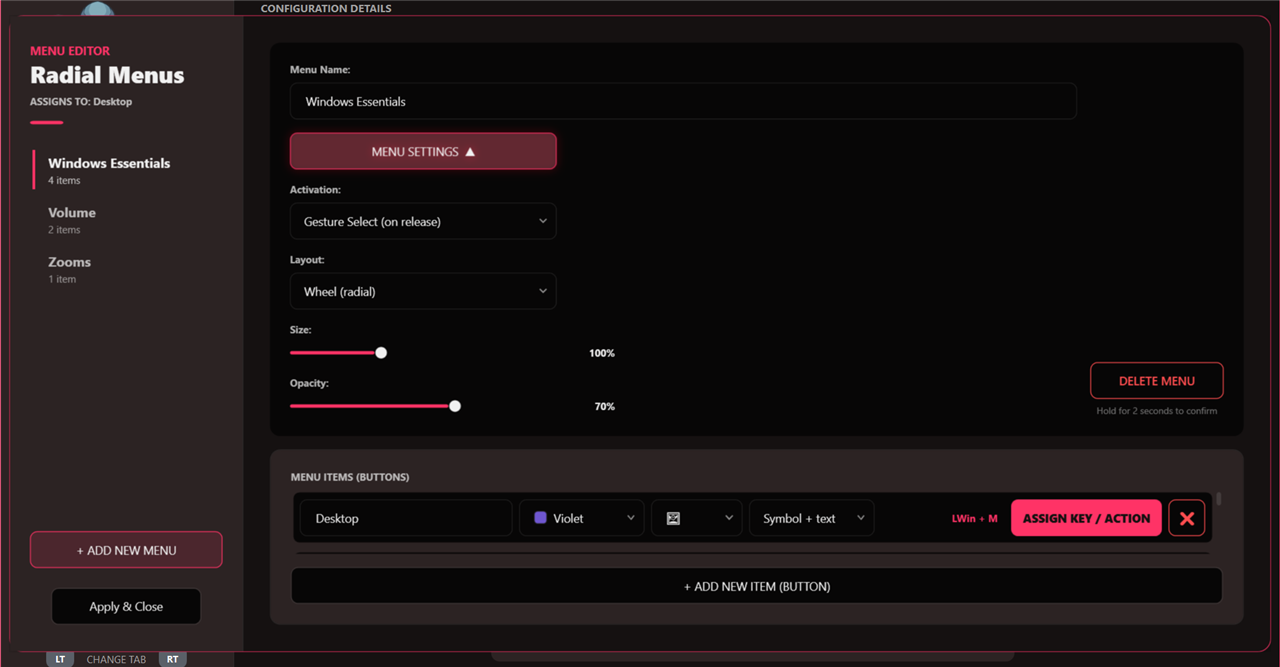
Radial menus
Your shortcuts on a wheel, right under your thumb.
- Wheels and hotbars
- Show a menu as a wheel or as a horizontal or vertical hotbar.
- Your look
- Pick each item's colour, symbol and title.
- Menus in menus
- Nest menus inside each other for as many actions as you need.
- Two ways to choose
- Release the button to pick, or keep the menu open until you cancel it.
File Explorer
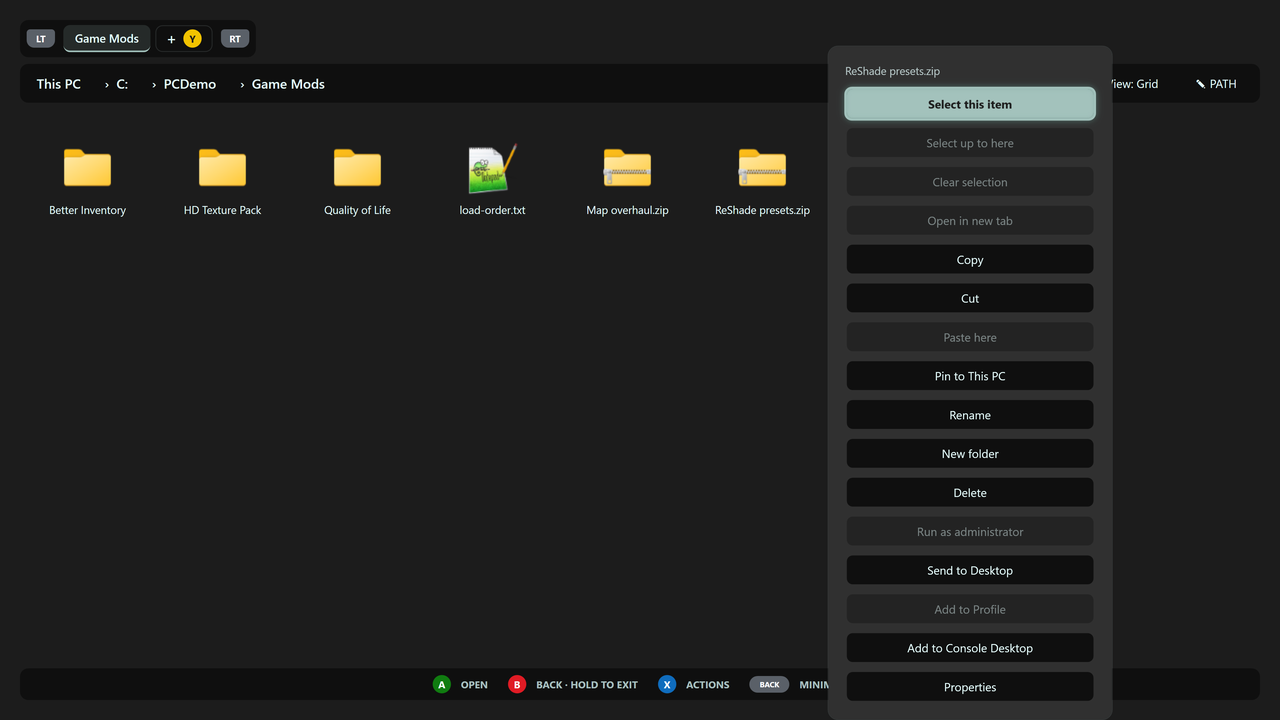
Browse and manage files with the controller.
- Tabs
- Open folders side by side in tabs; add one with Y and switch with the triggers.
- Actions
- Copy, cut, paste, rename, create folders, delete, pin to This PC and add a program to the Console Desktop.
- Sort and view
- Sort by name, size or date, in a grid or a list, including inside the Recycle Bin.
Look and setup
Make it yours, and get started quickly.
- Themes
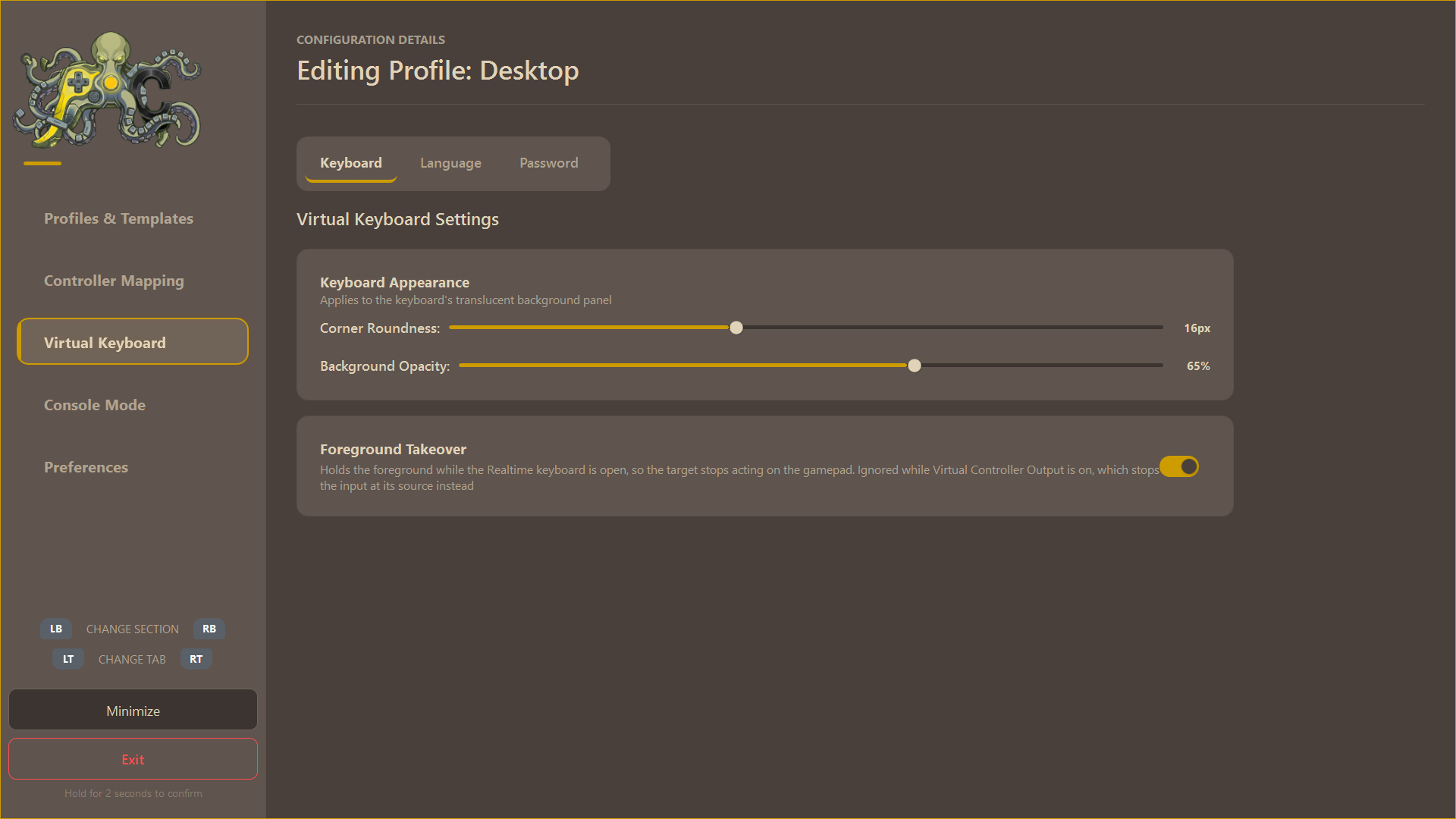
- Built-in themes and an editor for your own: accent colours, backgrounds and transparency.
- Octopad
- An octopus guide that walks you through setup on the first start, and that you can call up again any time.
- Community Files
- Share and download controller layouts, themes, keyboard languages and dictionaries.
- Shared settings
- Optionally share your profiles, look, radial menus and keyboard with the other accounts on the same computer.